



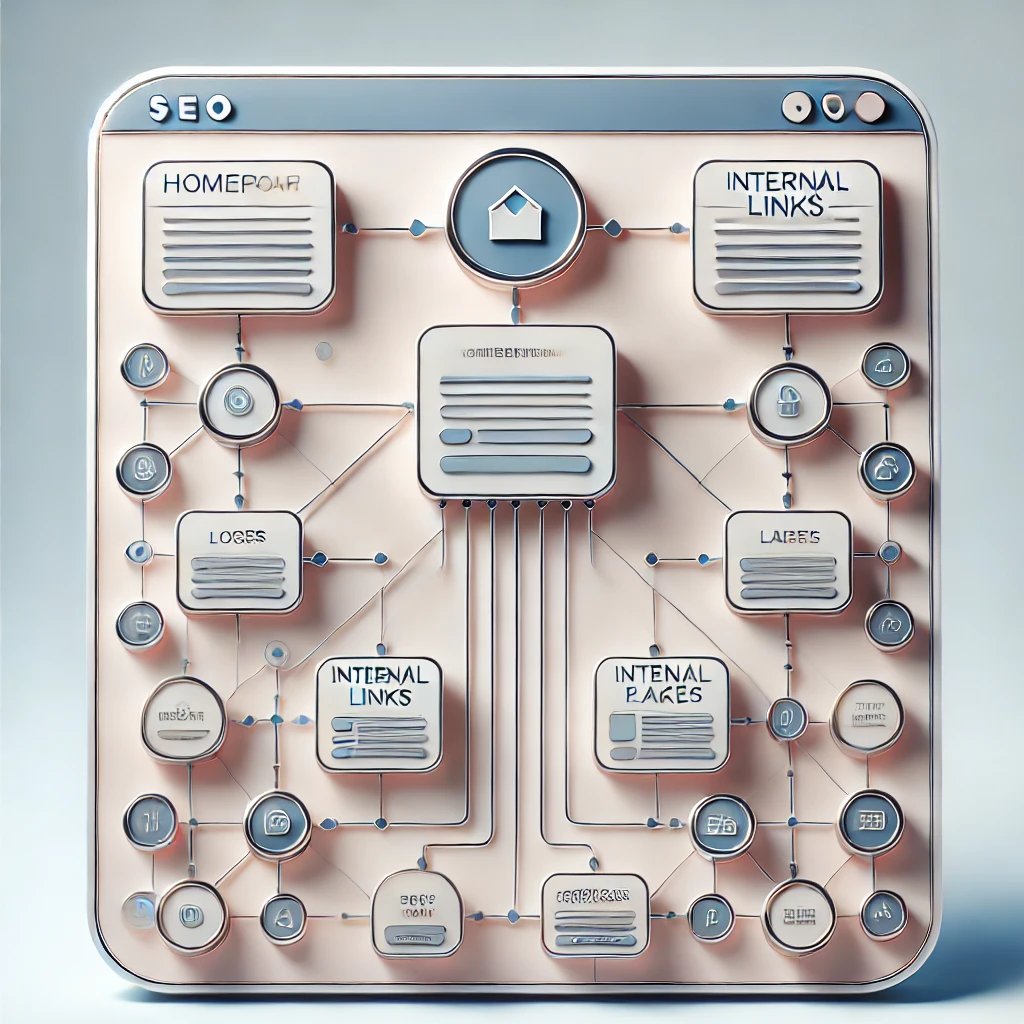
The Basics of Internal Linking for SEO Success
Table of Contents
- Introduction to Internal Linking
- What is Internal Linking?
- Why Internal Linking Matters for SEO
- Key Benefits of an Effective Internal Linking Strategy
- Best Practices for Internal Linking
- Common Internal Linking Mistakes to Avoid
- How to Measure Internal Linking Success
- Conclusion
- FAQ: Your Internal Linking Questions Answered
1. Introduction to Internal Linking
A strong internal linking strategy is one of the foundational pillars of SEO success. It boosts site navigation, enhances user experience, and improves search engine indexing. This guide will walk you through the essentials of internal linking, why it’s critical, and how you can harness it to drive better SEO performance.
2. What is Internal Linking?
Internal linking is the practice of linking one page on your website to another page on the same site. Unlike external links, which connect your site to pages outside your domain, internal links help users navigate your site and find related content within your own website.
There are different types of internal links, including:
- Navigation Links: The primary links in the header, footer, or menu that guide users to key sections.
- Contextual Links: Embedded in the content, leading users to related pages, blog posts, or resources.
- Breadcrumb Links: Showing the user path, especially helpful on larger sites.
- Footer Links: Often located in the footer, linking to various resources, legal pages, or essential navigation points.
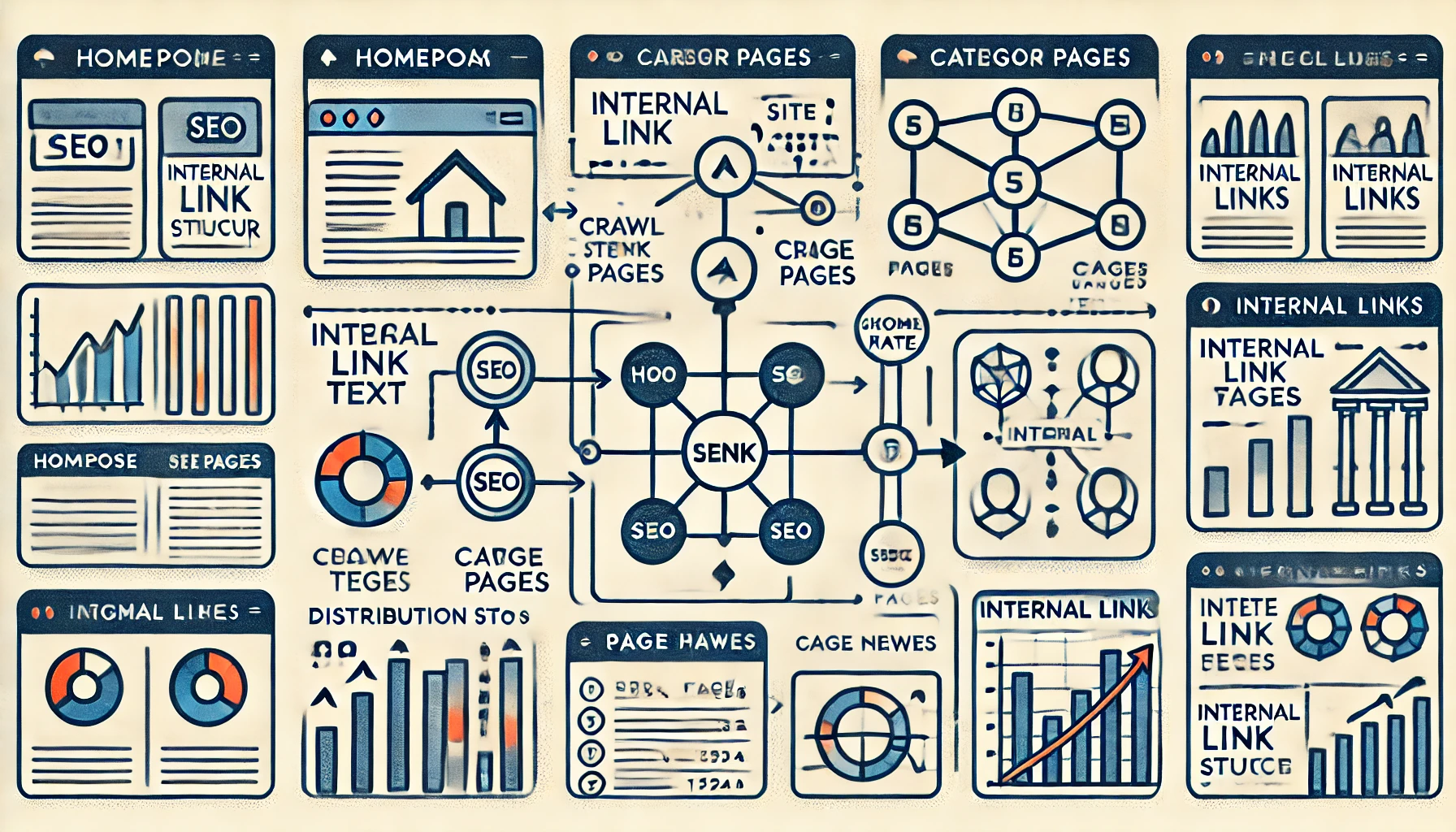
3. Why Internal Linking Matters for SEO
Internal linking does much more than aid in site navigation; it plays a central role in SEO. Here’s why it’s so vital:
- Distributes Page Authority: Linking to key pages helps distribute “link juice” or authority, improving their visibility on search engines.
- Enhances Crawling and Indexing: Search engine bots follow links to discover new content. Proper internal linking ensures no page is left unindexed.
- Improves User Experience: It helps users find relevant content, which can increase page views and session duration.
- Boosts Conversion Potential: By linking related services or products within content, internal linking can guide users toward converting pages.
4. Key Benefits of an Effective Internal Linking Strategy
An optimized internal linking strategy brings a wealth of benefits to your website’s performance and search visibility:
4.1 Better Website Structure
A clear, organized link structure helps search engines understand the hierarchy of your site, which pages are most important, and how everything connects.
4.2 Increased Page Authority
By linking from high-authority pages (like popular blog posts) to newer or less-trafficked pages, you can boost the visibility of those pages, which improves their chances of ranking.
4.3 Reduced Bounce Rate
By linking to related content, you keep users on your site longer. When visitors spend more time exploring, the bounce rate decreases, signaling value to search engines.
4.4 More Indexed Pages
Strategic internal links ensure that all of your website’s pages are indexed, including deeper pages that might otherwise be missed by search engines.
4.5 Improved Conversion Rates
Guiding users to pages where they can take action, such as purchase or sign-up, can improve conversions. For instance, linking from a blog to a product page provides an effortless path for the user to learn more or buy.
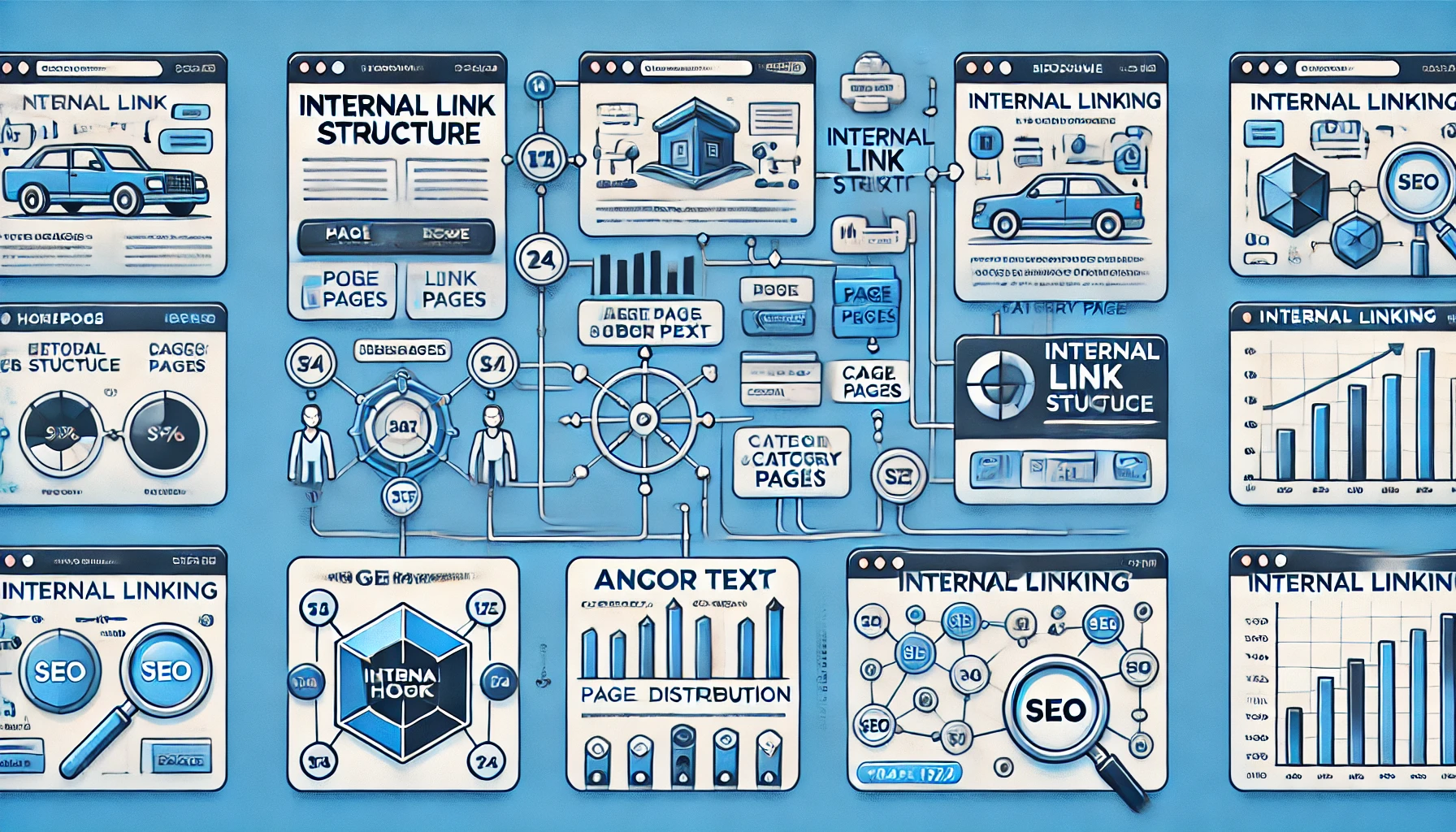
5. Best Practices for Internal Linking
To maximize the SEO benefits of internal linking, follow these best practices:
5.1 Use Descriptive Anchor Text
Anchor text is the clickable text in a hyperlink. For internal linking, use descriptive text that helps the reader and search engines understand what the linked page is about. Avoid generic phrases like “click here.”
5.2 Prioritize High-Value Pages
Identify which pages contribute most to your site’s goals—such as high-traffic blog posts or essential service pages. Link to these pages frequently to reinforce their importance.
5.3 Link to Related Content Naturally
When adding internal links, make sure they’re relevant and provide additional value. Avoid forcing links just for the sake of SEO.
5.4 Limit the Number of Links on Each Page
Too many links can dilute authority. Prioritize essential links and focus on pages that support the user journey or provide additional context.
5.5 Update Links Regularly
Over time, your content and URLs may change, making some links obsolete. Check links periodically to ensure they remain active and relevant.
6. Common Internal Linking Mistakes to Avoid
To avoid pitfalls in your internal linking strategy, steer clear of these common mistakes:
6.1 Using Irrelevant Anchor Text
Misleading or generic anchor text confuses users and offers no SEO value. Aim to make the anchor text descriptive and related to the linked page’s topic.
6.2 Overloading Pages with Links
While linking is helpful, avoid creating a “link overload.” This can disrupt the user experience and dilute the SEO impact of each link.
6.3 Ignoring Old Pages
Internal linking is not just for new content. Audit older pages for opportunities to add new internal links, especially if they are still receiving traffic or contributing to SEO.
6.4 Only Linking from Popular Pages
While linking from high-traffic pages is effective, try to link from a diverse set of pages. This ensures that all valuable content is accessible and has an equal chance of ranking.
7. How to Measure Internal Linking Success
Assessing the effectiveness of your internal linking strategy involves tracking various metrics:
7.1 Click-Through Rates (CTR)
High CTR from internal links indicates users are finding your links relevant and engaging. Analyze which links get the most clicks to understand what interests users.
7.2 Page Views and Session Duration
Effective internal links can lead to more pages viewed per session and longer session durations, reflecting increased engagement.
7.3 Bounce Rate
A reduced bounce rate signals that users are staying on your site longer, which can be a direct result of effective internal linking.
7.4 Conversion Rate
Measure conversions on linked pages. For instance, if a link from a blog leads to a product page, check if there’s an increase in conversions from that traffic source.
7.5 Crawl Stats
Review your website’s crawl stats in Google Search Console. A well-structured internal linking strategy will reflect in good crawl coverage and indexation of all pages.
8. Conclusion
Building an internal linking strategy that enhances both SEO and user experience requires careful planning and regular updates. By following the best practices outlined here, you can create a powerful link structure that supports your site’s goals, keeps users engaged, and boosts your SEO performance.
FAQ: Your Internal Linking Questions Answered
1. How many internal links should I add per page?
Aim for a balanced number; ideally, 2-4 internal links per page, but focus on relevance over quantity.
2. Should I link to the same page multiple times?
It’s generally fine if the page is relevant in multiple places, but avoid excessive repetition to prevent a cluttered user experience.
3. What’s the best anchor text for internal links?
Use descriptive, keyword-rich anchor text that reflects the linked page’s topic without being overly optimized.
4. How often should I update internal links?
Review links at least quarterly, especially when updating old content or creating new pages.
5. Does internal linking help boost rankings?
Yes, effective internal linking can improve page rankings by distributing authority and enhancing crawlability.
6. Are footer links helpful for SEO?
Footer links can add value, especially for legal and contact pages, but don’t rely on them for high-priority pages.
7. How does internal linking affect site structure?
It creates a clearer, more organized site structure, which helps search engines understand content hierarchy and prioritize pages.
8. Should I nofollow any internal links?
Typically, internal links should be “follow” links. Only “nofollow” links to pages like login or cart pages where SEO value isn’t necessary.
9. Can too many internal links hurt SEO?
Excessive links can dilute SEO impact and overwhelm users. Stick to a reasonable number that supports navigation.
10. What tools can I use to improve internal linking?
Tools like Ahrefs, SEMrush, and Screaming Frog can help you audit and optimize internal links, ensuring they’re effective and functional.

