



Why People Don't Trust Your Website (And How to Fix It)
Table of Contents
Why Website Trust Matters More Than Ever
Consumers are smarter, more cautious, and more skeptical than ever before. With online scams, fake reviews, and shady businesses everywhere, users rely on instinct and signals to decide whether a website is safe and legitimate.
Research consistently shows that:
-
Users form an opinion about a website in less than 1 second
-
Trust directly affects conversion rates
-
People are more likely to abandon a site they don’t trust—even if they need the product
Trust isn’t just about design—it’s about clarity, consistency, transparency, and reassurance.
Reason #1: Your Website Looks Outdated
First impressions matter. A lot.
If your website looks like it was built 10 years ago, visitors subconsciously assume:
-
Your business is inactive
-
You don’t care about quality
-
Your service might be unreliable
Common Signs of an Outdated Website
-
Cluttered layouts
-
Small or hard-to-read fonts
-
Low-quality images
-
Non-responsive mobile design
-
Old copyright dates
How to Fix It
-
Use a clean, modern layout
-
Choose readable fonts and consistent colors
-
Optimize for mobile devices
-
Update visuals with high-quality images
-
Keep your design simple and intentional
A modern website instantly signals professionalism and credibility.
Reason #2: No Clear Brand Identity
If visitors can’t quickly understand who you are, what you do, and who you serve, trust disappears.
What Confuses Visitors
-
Vague headlines
-
Generic messaging
-
Inconsistent colors or tone
-
No clear value proposition
How to Fix It
-
Clearly state what you offer above the fold
-
Define your brand voice and stick to it
-
Use consistent branding across all pages
-
Speak directly to your target audience
Clarity builds confidence. Confidence builds trust.
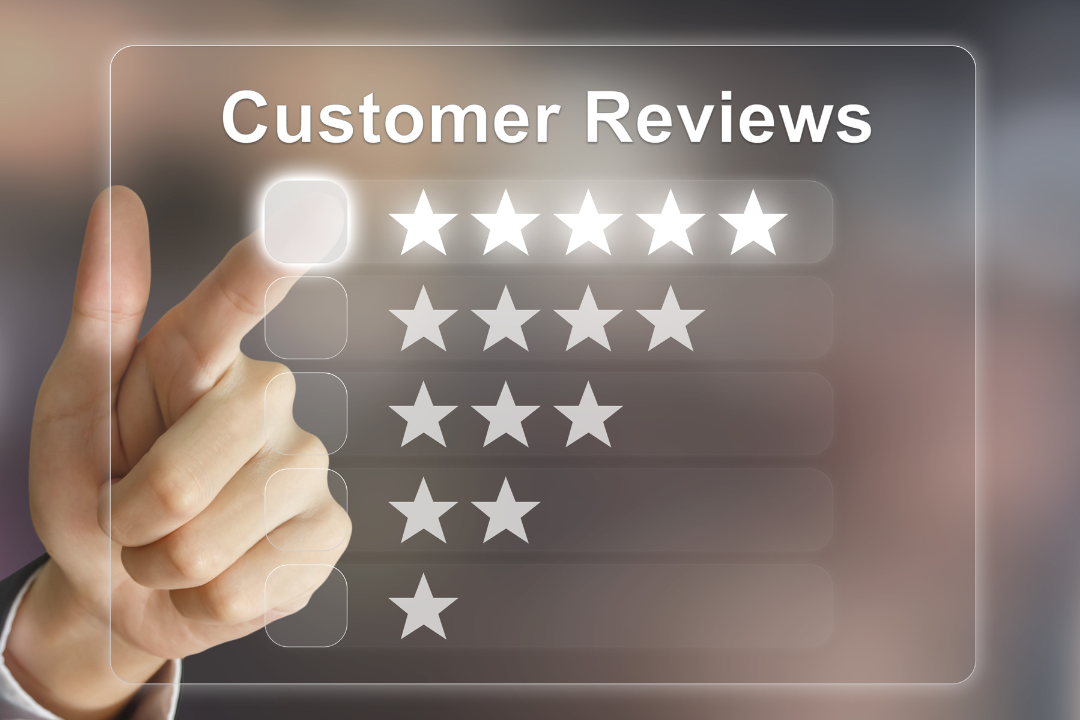
Reason #3: Lack of Social Proof
People trust people—not businesses.
If your website has no evidence that others have worked with you, visitors will hesitate.
Missing Social Proof Signals
-
No testimonials
-
No reviews
-
No case studies
-
No recognizable clients or partners
How to Fix It
-
Add real customer testimonials
-
Showcase reviews from trusted platforms
-
Include case studies with results
-
Display logos of clients or publications
Even one authentic testimonial can dramatically increase trust.
Reason #4: Poor Content Quality
Bad content kills trust faster than almost anything else.
Trust-Killing Content Mistakes
-
Spelling and grammar errors
-
Thin or generic content
-
Overuse of buzzwords
-
AI-sounding or robotic language
How to Fix It
-
Proofread everything
-
Write like a human, not a robot
-
Provide real value and insights
-
Answer user questions clearly
High-quality content positions you as an authority.
Reason #5: No Transparency or Contact Information
If visitors can’t find you, they won’t trust you.
Red Flags for Users
-
No contact page
-
No physical address or business info
-
No about page
-
Anonymous ownership
How to Fix It
-
Add a detailed “About Us” page
-
Include contact forms, email, or phone number
-
Share your story and mission
-
Show real people behind the brand
Transparency humanizes your business.
Reason #6: Security Concerns
If your site doesn’t feel safe, users won’t interact.
Common Security Issues
-
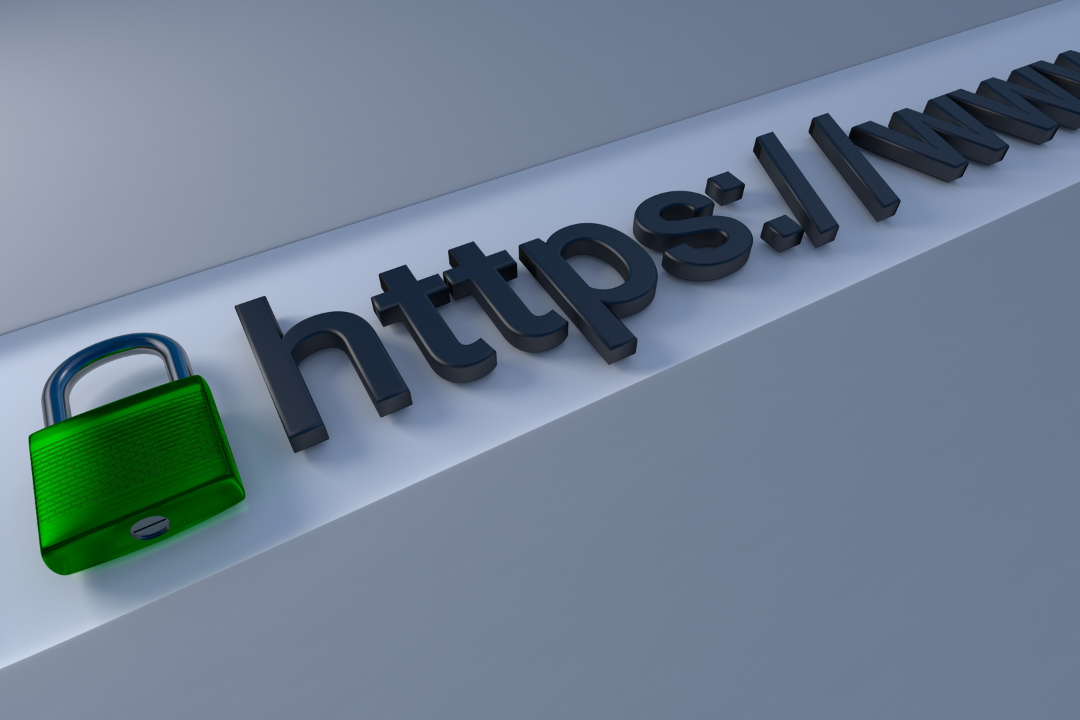
No HTTPS
-
Suspicious pop-ups
-
Too many ads
-
Requests for unnecessary information
How to Fix It
-
Install an SSL certificate
-
Use secure payment gateways
-
Clearly explain how user data is handled
-
Display trust badges where appropriate
Security equals peace of mind.
Reason #7: Confusing User Experience
A confusing website feels untrustworthy.
UX Problems That Drive Users Away
-
Hard-to-find navigation
-
Slow loading times
-
Broken links
-
Too many choices
How to Fix It
-
Simplify menus
-
Improve site speed
-
Guide users with clear CTAs
-
Remove unnecessary elements
Good UX shows respect for your visitor’s time.
Reason #8: Overly Aggressive Sales Tactics
Trust takes time. Pressure breaks it.
What Turns Users Off
-
Constant pop-ups
-
Fake urgency
-
Pushy language
-
Guilt-based marketing
How to Fix It
-
Focus on helping, not selling
-
Use honest messaging
-
Let users decide at their pace
-
Build relationships first
Soft selling builds long-term trust.
How to Build Trust Step by Step
Here’s a simple checklist you can follow:
-
Modernize your design
-
Clarify your message
-
Add social proof
-
Improve content quality
-
Be transparent
-
Secure your website
-
Optimize user experience
-
Sell with integrity
Small improvements add up fast.
Conclusion
People don’t distrust your website because they’re skeptical by nature—they distrust it because something feels off.
The good news? Trust issues are fixable.
By improving your design, content, transparency, and user experience, you can turn hesitation into confidence and clicks into conversions.
Start with one change today. Your visitors—and your bottom line—will thank you.
Frequently Asked Questions
1. How long does it take to build trust on a website?
Trust can begin instantly through design and clarity, but deep trust builds over time with consistent value.
2. Do testimonials really matter?
Yes. Testimonials provide social validation and reduce perceived risk.
3. Is HTTPS really necessary?
Absolutely. Users expect secure browsing, especially when sharing information.
4. Can a small business build trust like big brands?
Yes. Authenticity and transparency often outperform big-brand polish.
5. What’s the fastest way to increase website trust?
Improve design, clarify your message, and add social proof.
6. Does website speed affect trust?
Yes. Slow sites feel unreliable and unprofessional.
7. Should I show my face on my website?
If possible, yes. Real people build real trust.
8. How often should I update my website?
At least quarterly, with regular content updates.
9. Can too much content hurt trust?
Yes. Overwhelming users can cause confusion and doubt.
10. What’s the biggest trust mistake website owners make?
Ignoring the user’s perspective.

