




What is Technical SEO & Why Does It Matter?
Table of Contents
What Is Technical SEO?
Technical SEO refers to the process of optimizing your website's infrastructure so that search engines can effectively crawl, index, and rank your content. Unlike on-page SEO (keywords, headlines) or off-page SEO (backlinks), technical SEO is all about ensuring that your website meets the technical requirements of modern search engines.
Key Goals of Technical SEO:
-
Improve crawlability
-
Enhance indexability
-
Boost site performance
-
Optimize for mobile and usability
-
Ensure data clarity via structured markup
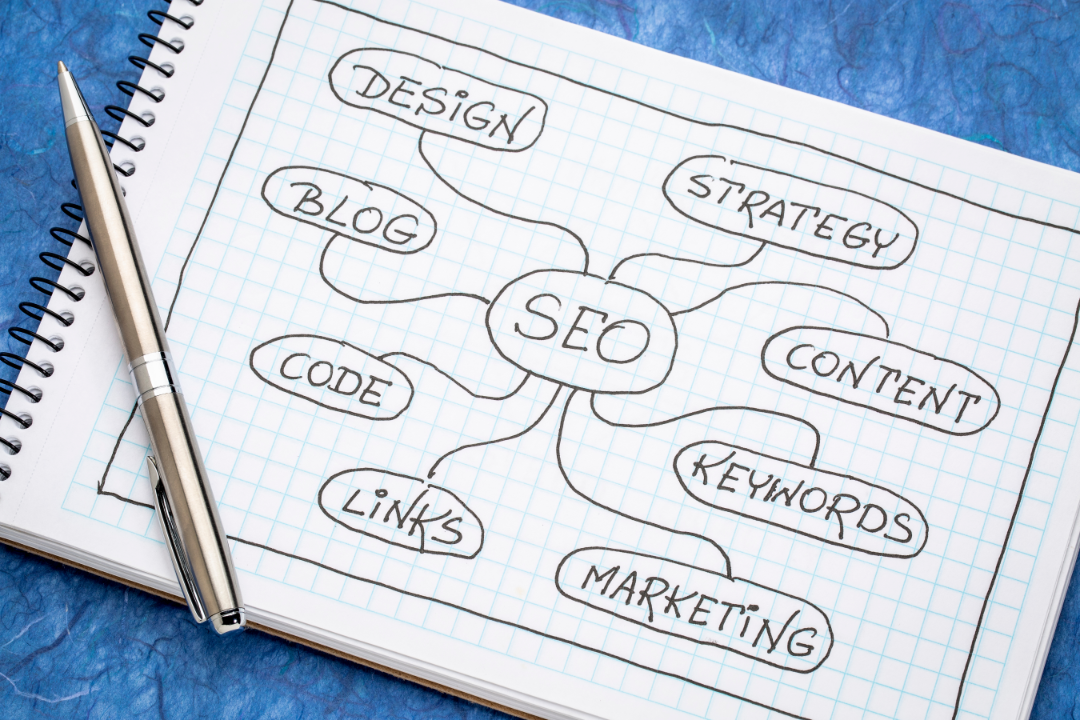
Why Is Technical SEO Important?
Without solid technical SEO, your website might:
-
Struggle to appear in search results
-
Load slowly, frustrating users and search engines
-
Be difficult for crawlers to navigate
-
Fail mobile usability tests
In other words, technical SEO is the foundation of all other SEO efforts. You can have amazing content, but if search engines can’t find or understand it, you’ll be missing out on traffic and visibility.
Benefits of Good Technical SEO:
-
Higher search engine rankings
-
Faster load times
-
Better user experience
-
Lower bounce rates
-
Increased organic traffic

Key Elements of Technical SEO
1. Website Speed Optimization
Site speed is a critical ranking factor. A slow website not only hurts SEO but also user satisfaction.
How to Improve Website Speed:
-
Use a reliable hosting provider
-
Minify CSS, JavaScript, and HTML
-
Optimize images and enable lazy loading
-
Use a Content Delivery Network (CDN)
-
Enable browser caching
2. Mobile Optimization
With mobile-first indexing, Google predominantly uses the mobile version of content for indexing and ranking.
Best Practices:
-
Use responsive design
-
Ensure touch-friendly navigation
-
Avoid intrusive pop-ups
-
Optimize for different screen sizes
3. Secure Sockets Layer (HTTPS)
Security matters—not just to users, but also to search engines. Google uses HTTPS as a ranking signal.
Steps to Secure Your Site:
-
Get an SSL certificate
-
Redirect all HTTP traffic to HTTPS
-
Update internal links to HTTPS versions

4. Structured Data & Schema Markup
Structured data helps search engines understand your content better and display it more richly in search results (e.g., star ratings, FAQs, product info).
Types of Schema Markup:
-
Article
-
Product
-
Local business
-
FAQ
-
Event
-
Recipe
Tools to Use:
-
Google’s Structured Data Markup Helper
-
Schema.org vocabulary
-
Rich Results Test
5. XML Sitemaps & Robots.txt
These two files help guide search engines on what to crawl and index.
XML Sitemap:
-
Lists all important URLs of your site
-
Submit to Google Search Console and Bing Webmaster Tools
Robots.txt:
-
Instructs crawlers on what to ignore
-
Useful for blocking duplicate content or private pages
6. Crawlability & Indexing
Your content must be crawlable (accessible by bots) and indexable (eligible to appear in search).
Tips:
-
Avoid orphan pages (pages not linked to by any other page)
-
Fix crawl errors using Google Search Console
-
Use internal linking wisely
7. Duplicate Content & Canonicalization
Duplicate content confuses search engines, while canonical tags help specify which version of a page is the preferred one.
Common Causes:
-
Printer-friendly URLs
-
HTTP vs HTTPS
-
www vs non-www
Fix It By:
-
Using canonical tags
-
Redirecting duplicates
-
Avoiding session ID URLs
8. Website Architecture & URL Structure
A well-organized site structure improves both user experience and SEO performance.
Best Practices:
-
Use a logical hierarchy
-
Keep URLs short, clean, and keyword-rich
-
Avoid dynamic parameters when possible
-
Implement breadcrumb navigation
Conclusion
Technical SEO may not be flashy, but it's absolutely foundational. It’s what ensures your brilliant content actually gets seen and ranked. When done right, technical SEO enhances your website’s usability, boosts your search visibility, and drives more organic traffic your way.
Ready to improve your website’s technical SEO?
Start by auditing your site speed, implementing mobile responsiveness, and checking your structured data. Small tweaks can lead to massive gains.
FAQ
1. What is technical SEO in simple terms?
Technical SEO involves optimizing your website’s infrastructure to help search engines crawl and index your pages more effectively.
2. How is technical SEO different from on-page SEO?
On-page SEO focuses on content elements (like keywords), while technical SEO focuses on site performance and structure.
3. What tools help with technical SEO?
Useful tools include Google Search Console, Screaming Frog, GTmetrix, Lighthouse, Ahrefs, and SEMrush.
4. How does site speed affect SEO?
Faster-loading sites improve user experience and are favored by search engines, resulting in better rankings.
5. What is mobile-first indexing?
It means Google uses the mobile version of your site for indexing and ranking instead of the desktop version.
6. Do I need structured data on my site?
Yes! Structured data helps search engines understand your content and enhances your search result appearance.
7. How often should I audit my technical SEO?
It’s recommended to perform a technical SEO audit quarterly or after major website changes.
8. Can I do technical SEO myself?
Yes, with the right tools and knowledge, many aspects can be DIY. However, hiring a professional ensures thorough optimization.
9. Why is HTTPS important for SEO?
HTTPS encrypts data, provides security to users, and is a confirmed Google ranking factor.
10. What happens if my site has crawl errors?
Crawl errors can prevent your pages from being indexed, meaning they won’t appear in search results.

