



How to Do SEO for a Shopify Store
Table of Contents
Why SEO Matters for Shopify Stores
SEO is the foundation of online visibility. Here’s why it matters:
-
Organic Traffic: More than 50% of all website traffic comes from search engines.
-
Cost-Effective: Unlike paid ads, organic traffic doesn't cost you per click.
-
Long-Term Results: A solid SEO strategy offers sustainable growth over time.
-
Brand Authority: Higher search rankings build trust and credibility with your audience.
Shopify SEO Basics
Before diving deep, understand the basics that power Shopify SEO:
-
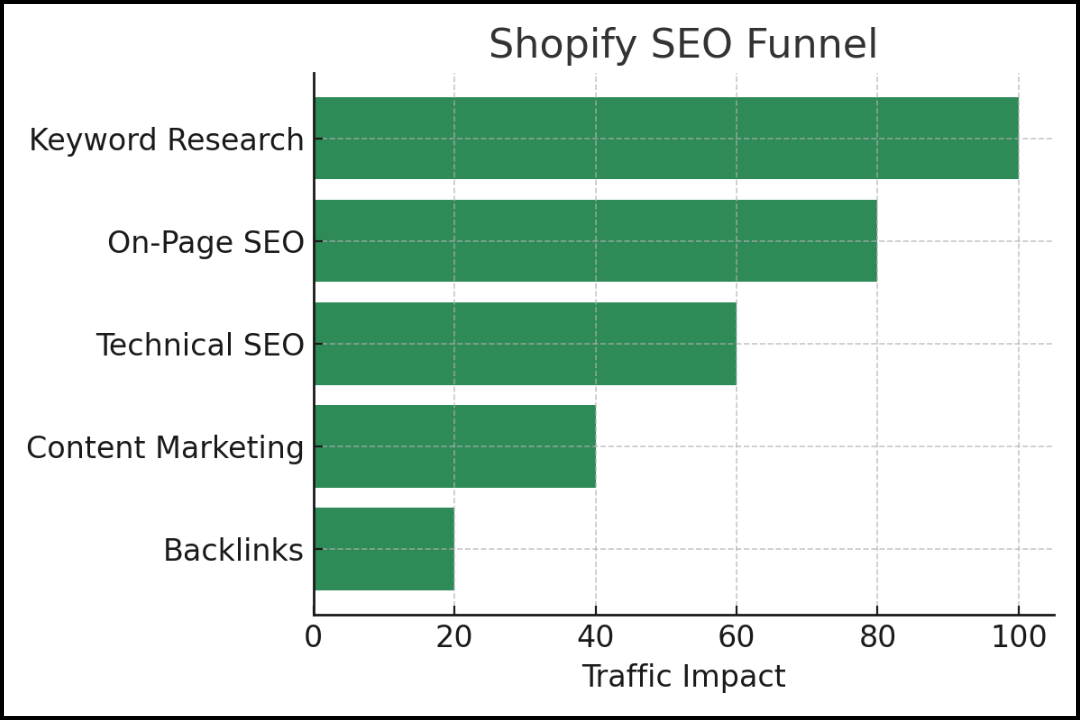
Built-in SEO Features: Shopify offers editable title tags, meta descriptions, and customizable URLs.
-
Responsive Design: All themes are mobile-friendly, which is a ranking factor.
-
SSL Certificate: Shopify includes HTTPS, enhancing site security and SEO.
Keyword Research for Shopify
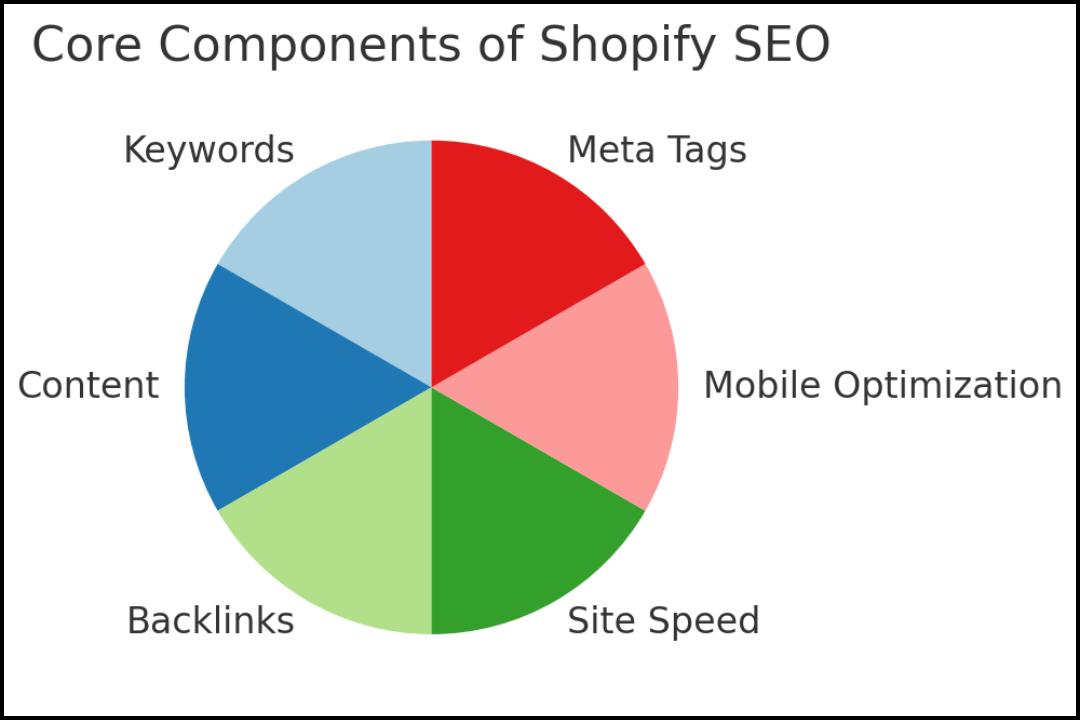
Keyword research helps you understand what your potential customers are searching for. Here’s how to do it:
Tools for Keyword Research
-
Google Keyword Planner
-
Ubersuggest
-
Ahrefs
-
SEMrush
Types of Keywords
-
Short-Tail Keywords: High volume but very competitive (e.g., "shoes")
-
Long-Tail Keywords: More specific and easier to rank for (e.g., "men's leather running shoes")
Where to Use Keywords
-
Product titles
-
Meta descriptions
-
Alt text for images
-
Page content
On-Page SEO Optimization
Optimize individual pages to rank higher and earn more relevant traffic.
Title Tags and Meta Descriptions
-
Keep title tags under 60 characters.
-
Meta descriptions should be under 160 characters.
URL Structure
-
Use clean, keyword-rich URLs (e.g.,
/collections/mens-running-shoes)
Image Optimization
-
Use descriptive file names (e.g.,
mens-running-shoes.jpg) -
Add alt text with relevant keywords
Product Descriptions
-
Write unique, compelling content
-
Include benefits, features, and keywords naturally
Technical SEO Tips
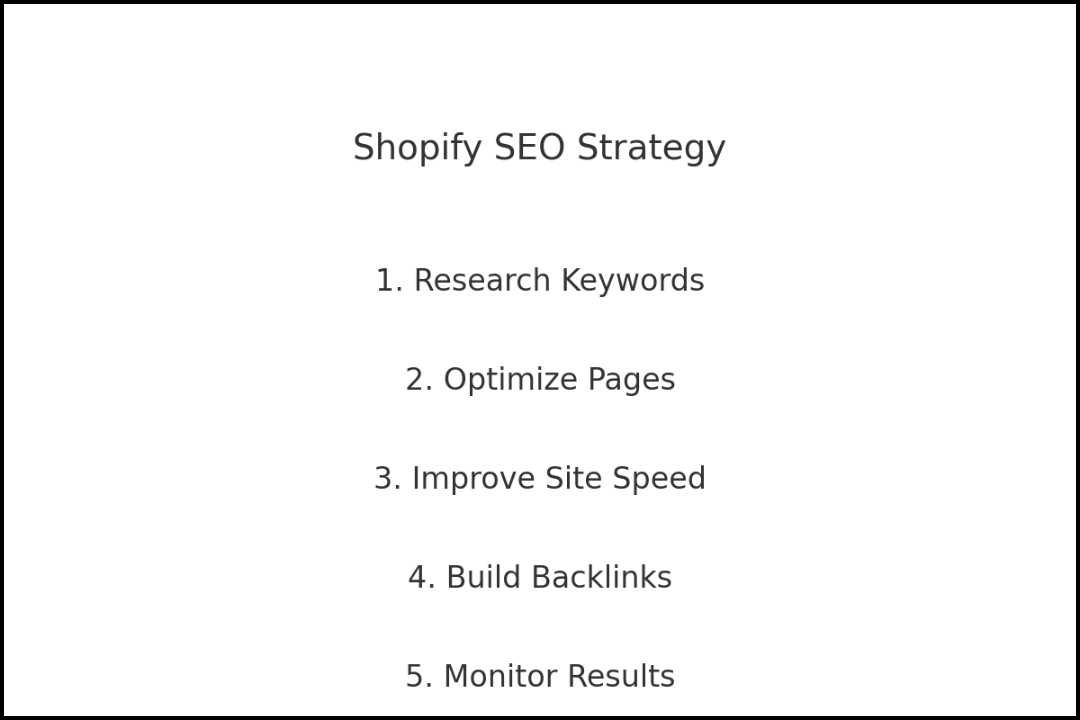
Shopify handles most of the technical SEO, but you should still:
-
Create an XML Sitemap: Shopify generates it automatically.
-
Submit Sitemap to Google Search Console
-
Improve Site Speed: Compress images, avoid heavy scripts.
-
Fix Broken Links: Use tools like Screaming Frog to detect and fix them.
Content Marketing and Blogging
Blogging can supercharge your SEO by targeting long-tail keywords and driving traffic.
Blog Post Ideas
-
How-to guides
-
Product comparisons
-
Industry news
Blogging Best Practices
-
Post consistently
-
Optimize each post with keywords, images, and internal links
Backlink Building Strategies
Backlinks are one of the top-ranking factors. Here are ways to earn them:
-
Reach Out to Bloggers and Influencers
-
Submit Guest Posts
-
Create Shareable Infographics
-
Get Listed in Niche Directories
Using SEO Apps for Shopify
Shopify's App Store offers many SEO tools. Top recommendations:
-
Plug in SEO: Scans your store for SEO issues.
-
Smart SEO: Automates meta tags and alt text.
-
SEO Manager: Offers real-time feedback and tools.
Measuring SEO Success
Tracking progress is crucial. Focus on these metrics:
-
Organic Traffic (Google Analytics)
-
Keyword Rankings (Ahrefs or SEMrush)
-
Click-Through Rate (CTR)
-
Conversion Rate
Use Google Search Console and Shopify analytics for detailed insights.
Conclusion
Shopify SEO is not a one-time task. It’s an ongoing process that, when done right, leads to consistent growth, more traffic, and higher sales. From optimizing product pages to building backlinks and leveraging blogging, each step compounds your results over time.
Ready to skyrocket your Shopify store’s visibility? Start optimizing today!
FAQs
1. How long does it take to see SEO results on Shopify?
Typically, it takes 3-6 months to see noticeable results from SEO efforts.
2. Can I do Shopify SEO myself?
Yes, with the right tools and guidance, store owners can effectively manage their own SEO.
3. Do I need to install SEO apps?
While not mandatory, SEO apps can simplify the process and offer valuable insights.
4. What's the best SEO app for Shopify?
"Plug in SEO" and "Smart SEO" are highly rated for their ease of use and features.
5. Should I hire an SEO expert for my Shopify store?
If you're short on time or need expert-level optimization, hiring a professional can accelerate your results.
6. How do I write SEO-friendly product descriptions?
Focus on unique content, include target keywords, and highlight product benefits.
7. Is blogging necessary for Shopify SEO?
While not required, blogging significantly boosts SEO by targeting additional keywords and providing fresh content.
8. What is alt text, and why is it important?
Alt text describes images for search engines and improves accessibility.
9. How do I fix broken links on my Shopify store?
Use tools like Screaming Frog or Broken Link Checker to find and fix them.
10. Does page speed affect SEO on Shopify?
Yes, faster-loading pages lead to better user experience and higher rankings.

